Text-to-Image AI — The 5-Part Prompt Recipe and Tool Picker
TL;DR
Text-to-image AI removes the bottleneck between visual idea and usable artifact. Marketers who can describe an image well now produce dozens of on-brand concepts before lunch. The five-part prompt recipe (subject, style, composition, lighting, technical specifiers) consistently produces usable output. Use it for the 95% of supporting visual needs — exploration, social images, blog visuals, placeholders. Hire a designer or photographer for the 5% that defines your brand.
What This Guide Covers
How to use text-to-image AI without embarrassing your brand: which tools fit which jobs, the 5-part prompt recipe that consistently delivers, where AI imagery genuinely works versus where it still breaks, and the legal/ethical rules that tightened in 2025. Built for marketing teams that want to stop relying on stock photography for everything.
Key Takeaways
- Text-to-image is best for exploration, supporting visuals, and concept work — not central brand campaigns.
- A consistent 5-part prompt structure beats creative flourishes.
- Different tools have different sweet spots — match tool to job.
- Respect licensing and disclosure rules; 2026 is when enforcement caught up.
- Don’t use AI for hero brand imagery — error rates still embarrass brands.
The Four Jobs Text-to-Image Does Well
- Concept exploration — 20 directional mood boards before committing to a photoshoot.
- Placeholders for design-in-progress — good enough to test layouts before final assets arrive.
- Social media and blog visuals where the image is illustrative rather than central to the brand.
- Packaging and product concept visualization — early-stage, before real prototypes.
It’s NOT yet reliably excellent at finished high-fidelity brand imagery, photorealistic product photography at scale, or any image where small visual errors (extra fingers, distorted text) would embarrass the brand.
The Five-Part Prompt Recipe
- Subject — what’s in the image (what it is, doing what, where).
- Style — artistic treatment (photorealistic, illustration, 3D render, vintage photograph, watercolor).
- Composition — framing, angle, focal point (close-up, wide shot, low angle, rule-of-thirds, centered).
- Lighting and mood — golden hour, softbox studio, moody dramatic, clean and airy.
- Technical and brand specifiers — resolution, aspect ratio, color palette, brand-aligned keywords.
Example: “A woman in her 30s running through a city park at sunrise, wearing bright teal athletic wear and white sneakers, mid-stride. Photorealistic, golden-hour lighting, shallow depth of field, blurred trees and skyline background. Wide shot, rule-of-thirds, subject on the right. Color palette: warm oranges, cool teals, natural greens. 16:9 aspect ratio, advertising quality.”
Picking the Right Tool
| Tool | Best For | Watch For |
|---|---|---|
| Midjourney | Beautiful, stylized images; artistic control | Slight over-prettiness if not directed |
| Ideogram | Images with text and typography | Best-in-class for words in images |
| DALL-E 3 (ChatGPT) | Easy conversational iteration | Weaker at photorealism than Midjourney |
| Stable Diffusion / SDXL | Self-hosted, custom fine-tuned models | Requires technical setup |
| Flux | High photorealism | Newer; ecosystem still catching up |
| Adobe Firefly | Commercial-safe training data, native in Adobe suite | More conservative outputs |
The Legal and Ethical Must-Dos
- Check commercial usage rights per tool. Some require paid plans for commercial use; some restrict certain content types.
- Avoid identifiable real people (including public figures) unless you have rights. Deepfake regulations tightened globally in 2025.
- Disclose AI-generated imagery in contexts where it could be mistaken for photography of real events or people (news, testimonials, before/after).
- Watch for trained-style infringement. “In the style of [living artist]” is legally gray. Develop your own style descriptors instead.
Common Mistakes to Avoid
- Using AI for brand-defining hero imagery. Error rate too high (subtle anatomy issues, text errors, style drift) for central brand use.
- Generic prompts. Five-part recipe or output suffers — it’ll look like AI.
- Ignoring licensing. Commercial use varies by tool; check before publishing.
- Generating real faces without consent. Deepfake laws are strict in 2026.
Action Steps for This Week
- Pick one piece of generic stock imagery you’re using on the site or in marketing.
- Generate three replacements with Midjourney or Ideogram using the 5-part recipe.
- Pick the best one. Ship it.
Frequently Asked Questions
Which tool is best for marketers?
Midjourney for stylized, Ideogram for typography-heavy images, Adobe Firefly for commercial-safe Adobe workflows. Most teams subscribe to two.
Can I use AI images commercially?
Depends on the tool and the tier. Most major tools allow commercial use on paid plans; check the terms before publishing.
How do I avoid the “AI look”?
Specific prompts using the 5-part recipe, real reference styles, and human editing in Photoshop or Figma post-generation.
Should I disclose AI images?
Yes for news, testimonials, before/after, and contexts where a real photo would be expected. For obvious illustration on a blog post, less critical.
What about generating real people’s faces?
Don’t — without rights. Deepfake laws are now strict globally. The legal exposure outweighs any creative benefit.
Sources & Further Reading
- FTC and EU AI Act guidance on AI-generated imagery.
Want to go deeper? This guide draws on the playbook in Tarek Riman’s An Introduction to Marketing & AI 2E.
About Riman Agency: We help marketing teams use generative imagery without brand risk. Book a creative review.
← Previous: AI for UX/UI | All AI marketing articles | Next: Video Generation →
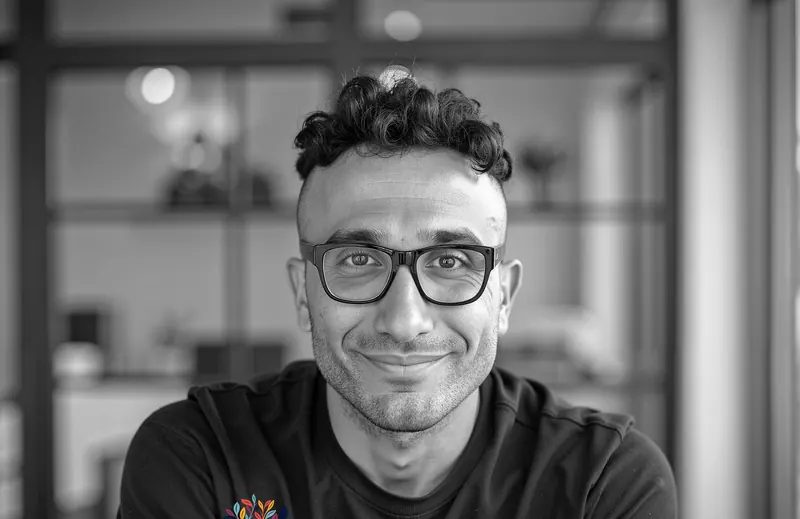
Founder of Riman Agency, author of eight books on SEO, AEO, analytics, AI marketing and entrepreneurship, and workshop leader in English, French and Arabic. About Tarek